
Github repo: github.com/samthewatermelon/mirror-fps-microgame Discord: discord.gg/gY3wvnda.
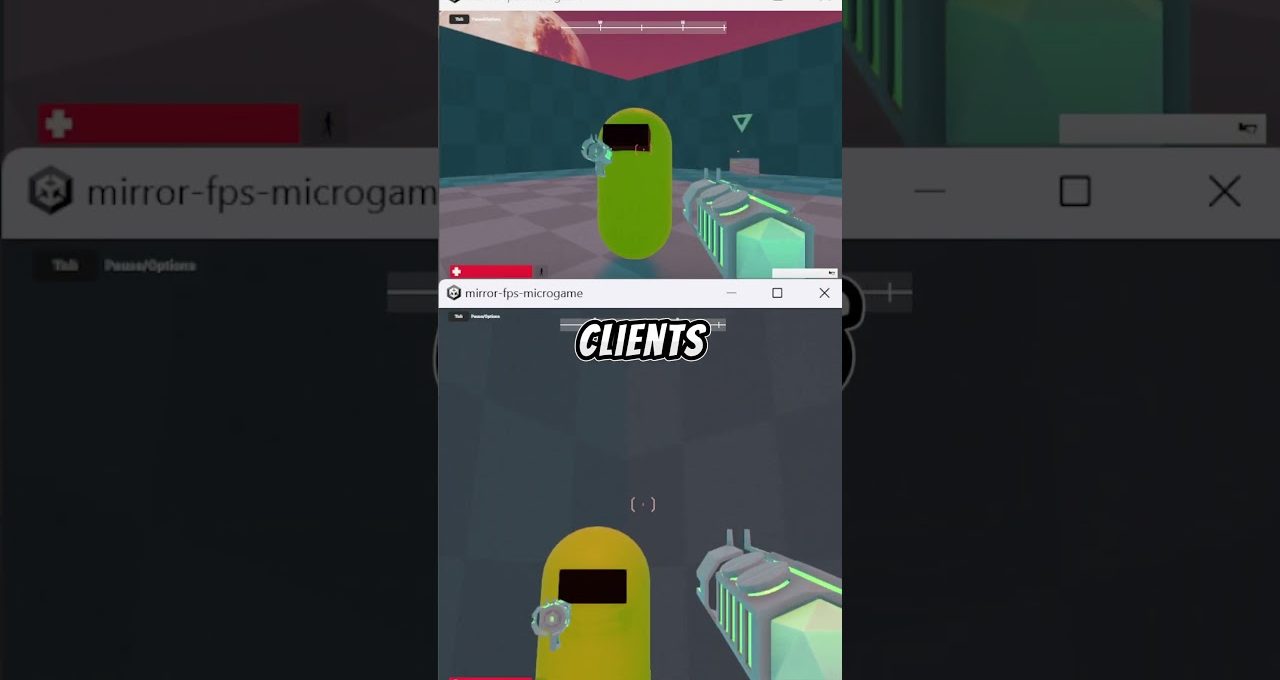
In this video, we explore how to transform the Unity FPS Microgame into a dynamic multiplayer experience. Discover the essential steps to enhance gameplay by adding multiplayer features, allowing players to engage in thrilling combat scenarios with friends or other players online.
Getting Started with Unity FPS Microgame
Learn the basics of the Unity FPS Microgame and understand its core mechanics. This section provides an overview of the game’s setup, including character controls, level design, and key assets that make up the foundation of your FPS experience.
Integrating Multiplayer Features
Dive into the process of integrating multiplayer functionality into your FPS Microgame. We cover essential aspects such as networking solutions, player synchronization, and managing game sessions to create a smooth and enjoyable multiplayer environment.
Enhancing Gameplay with Multiplayer Mechanics
Explore various multiplayer mechanics that can elevate your gameplay. From cooperative missions to competitive modes, this section highlights creative ways to engage players and keep the excitement alive in your Unity FPS Microgame.
Testing and Improving Your Multiplayer Experience
Finally, discover best practices for testing your multiplayer game. We discuss tools and techniques for performance optimization and bug fixing, ensuring your Unity FPS Microgame delivers a seamless multiplayer experience for all players.
