
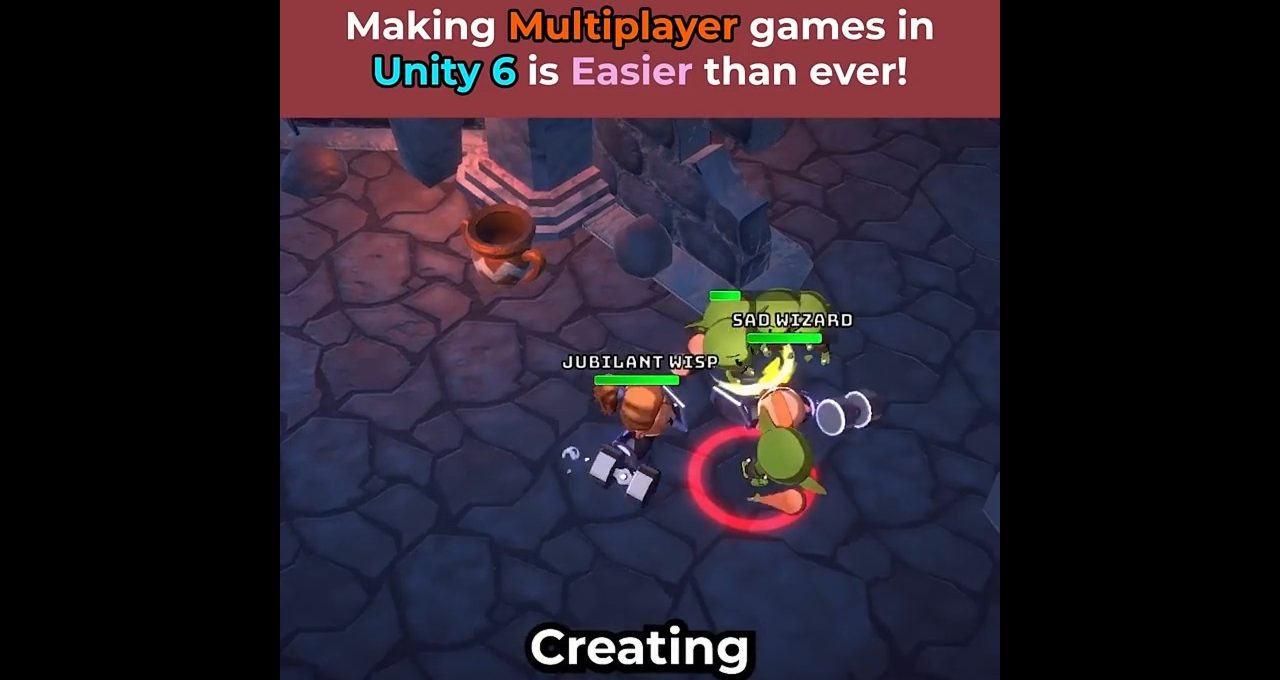
Creating Multiplayer games in Unity is Easier than ever!⚡️ Use Multiplayer Center to create the project and Unity Play …
Welcome to our quick guide on setting up Unity 6 Multiplayer in just 60 seconds! This video showcases the fastest setup process to create engaging multiplayer games using the latest features in Unity.
Getting Started with Unity 6 Multiplayer
Creating multiplayer games has never been easier. Start by launching a new Unity 6 project. Navigate to the top menu and select Window, then Multiplayer, followed by Multiplayer Center. This interactive wizard will guide you through the setup, asking essential questions and recommending necessary multiplayer packages to enhance your project.
Installing Required Packages
Once you’ve answered the wizard’s prompts, simply click on Install Packages. Unity will automatically add the recommended components to your project. With everything set up, go to the Quick Start tab where you can create and open a scene with pre-configured net code, allowing you to jump right into development.
Testing Your Multiplayer Game
In the multiplayer play mode, you can simulate up to four clients directly within the editor. Ensure you add the newly created scene to your build settings, and then just hit play. This feature allows for efficient testing, letting you experience your game as players would.
Join us in this video and discover how to leverage Unity 6 Multiplayer for your next game project quickly and effortlessly!
