
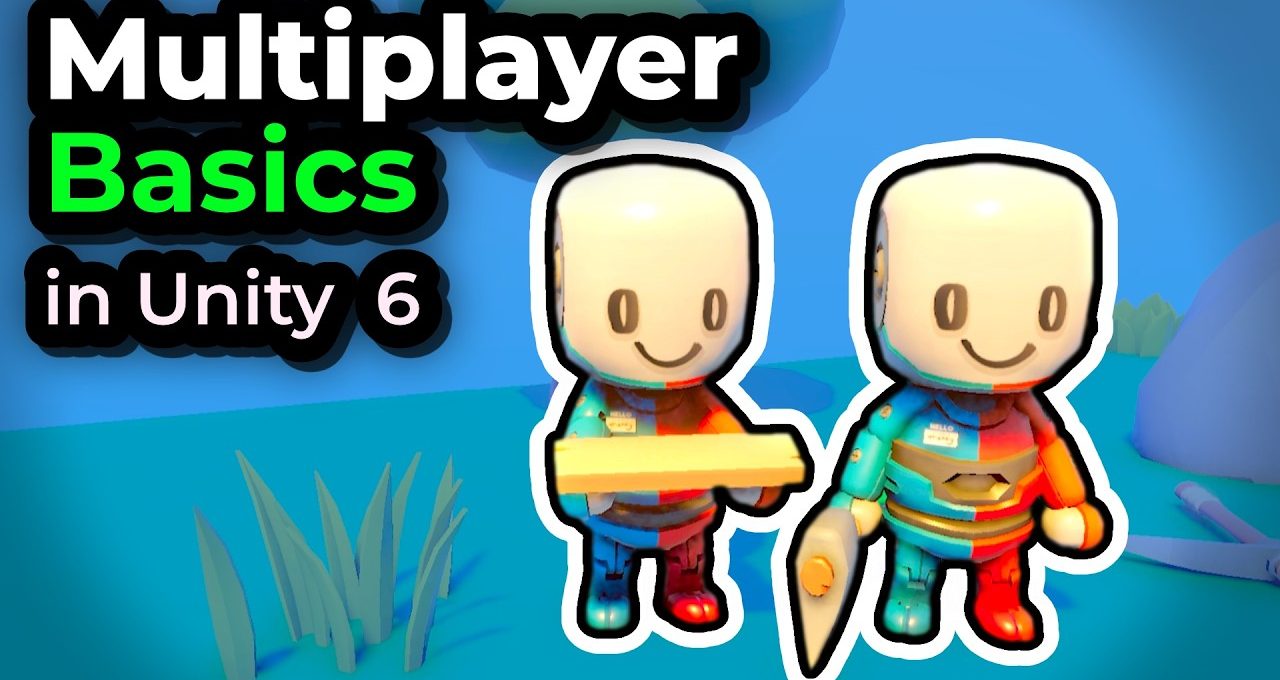
Learn how to make a Multiplayer game in Unity 6.3 using Netcode for GameObejcts package. In this series we will by building a …
Welcome to our complete tutorial series on how to make your first multiplayer game in Unity 6! In this video, we’ll guide you through the process of creating a simple 3D resource gathering game while covering essential multiplayer concepts.
Getting Started with Unity 6
In this tutorial, we’ll start by setting up a new multiplayer project in Unity Hub. Learn how to select the appropriate game template and install necessary multiplayer packages, including the latest features from Unity 6.3.
Implementing Multiplayer Mechanics
Explore the fundamentals of client-server architecture as we create a synchronization system for our resource gathering gameplay. You’ll understand concepts like authority, ownership, and managing player connections in a networked game environment.
Building Your Game Scene
We’ll walk you through importing a starter project and modifying the scene to support multiplayer features. Discover how to manage player objects and ensure smooth gameplay, allowing players to interact and collect resources simultaneously.
Next Steps
After testing the initial setup, we will prepare for gameplay mechanics and demonstrate how to implement player movement, with plans to dive deeper into server and client interactions in the next videos. Don’t forget to check the description for downloadable resources!
