
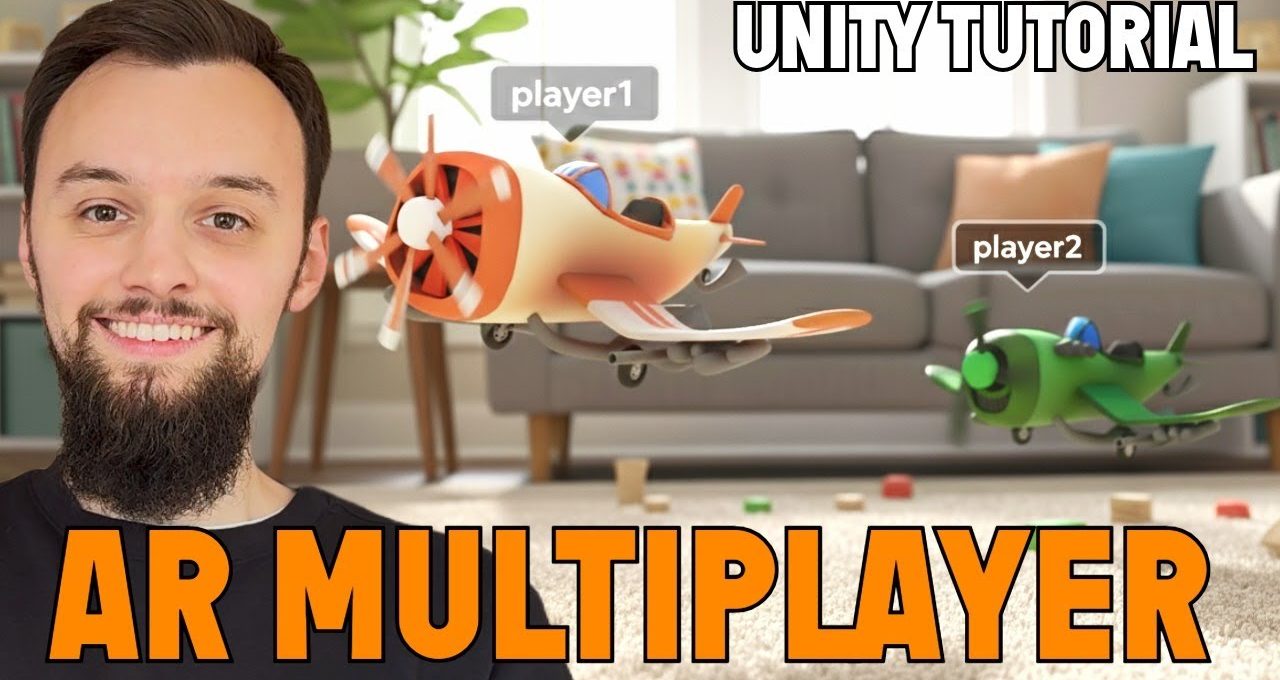
In this tutorial we are going to create an AR Game / App in Unity 6, using AR Foundation and the Niantic Spatial SDK. We will start …
In this video, you’ll learn how to create a cross-platform AR multiplayer game using Unity + Niantic Spatial, designed for both iOS and Android. This comprehensive guide walks you through the essential steps and tools needed to build an engaging augmented reality experience that connects players in real-time.
Getting Started with Unity
Discover the basics of Unity, the powerful game development platform that enables you to create stunning visuals and immersive gameplay. We’ll cover how to set up your project and navigate the Unity interface efficiently.
Integrating Niantic Spatial
Learn how to incorporate Niantic Spatial into your game to enhance the AR experience. This section will guide you through the process of utilizing location-based features to create a dynamic multiplayer environment.
Building for iOS and Android
Understand the differences in building your game for iOS and Android platforms. We’ll provide tips on optimizing performance and ensuring a smooth user experience across devices.
Creating Multiplayer Functionality
Explore the strategies for implementing multiplayer features in your AR game. This segment focuses on real-time interaction and synchronization between players, making your game more engaging and fun.
