
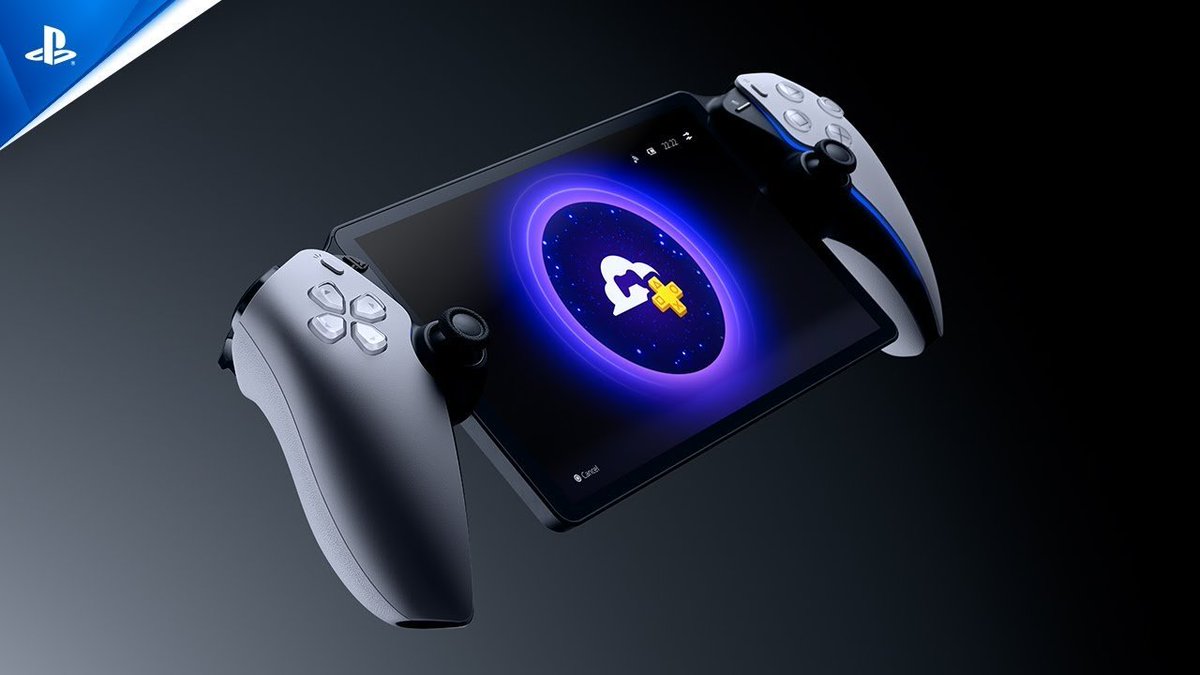
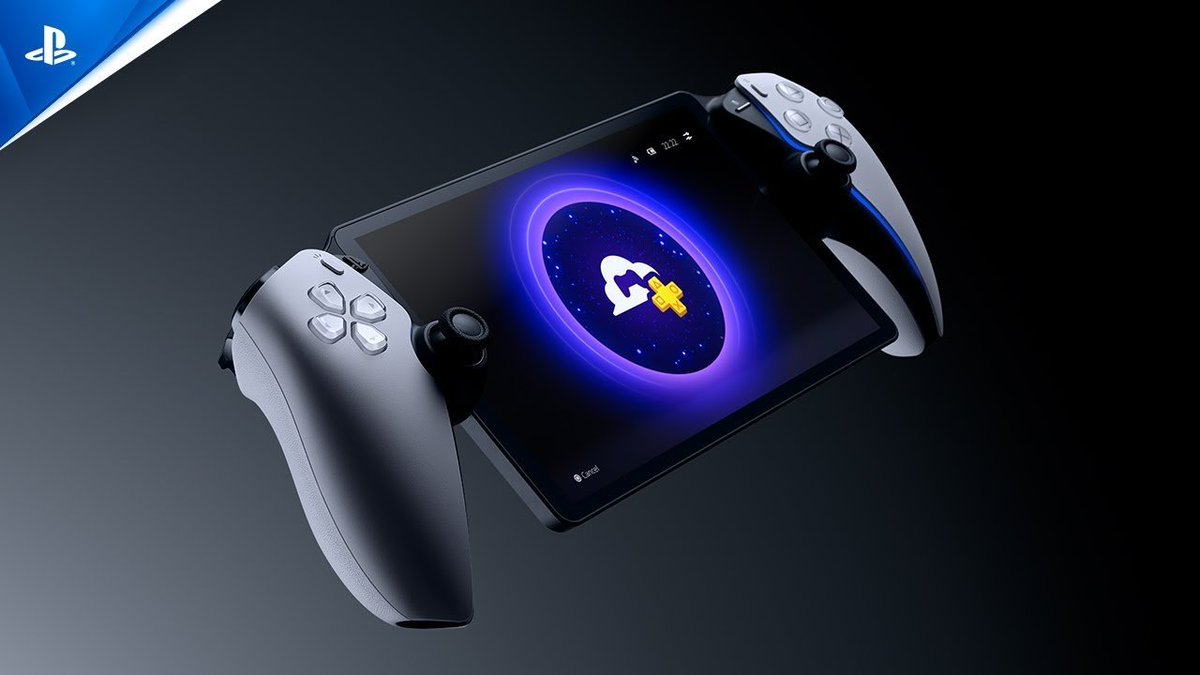
PlayStation Portal System Software Update 6.00:
We’ve added the following features to enhance your cloud streaming experience. You can now:nPlay select PS5 games you’ve added to your game library from PlayStation Store via Cloud Streaming.
Find cloud streaming games more easily with the search feature.
Make purchases while playing a streaming game.
Join a multiplayer session directly from a game invite in the quick menu while playing a streaming game.
Use accessibility features such as Text Size and Screen Reader while playing streaming games and on certain screens. Go to Settings > Cloud Streaming > Accessibility Settings for Cloud Streaming.
View a player’s PlayStation profile.
Cloud Streaming is available for PlayStation Plus Premium members.
The home screen has been redesigned to support smoother navigation.
You can now open the quick menu on most screens by pressing the PS Button.
3D audio is now available on PS Portal when using a headset. This feature works with games that support 3D audio during Remote Play or Cloud Streaming.
You can now send feedback about your Remote Play experience directly from PS Portal.
You can now check your network status during Remote Play or Cloud Streaming. In the quick menu, go to Troubleshoot > Show Network Status.
You can now set a passcode on your PS Portal. Go to Settings > System > Passcode.
We’ve improved system software performance and stability.
We’ve improved the messages and usability on some screens.
Source by @Zuby_Tech
