
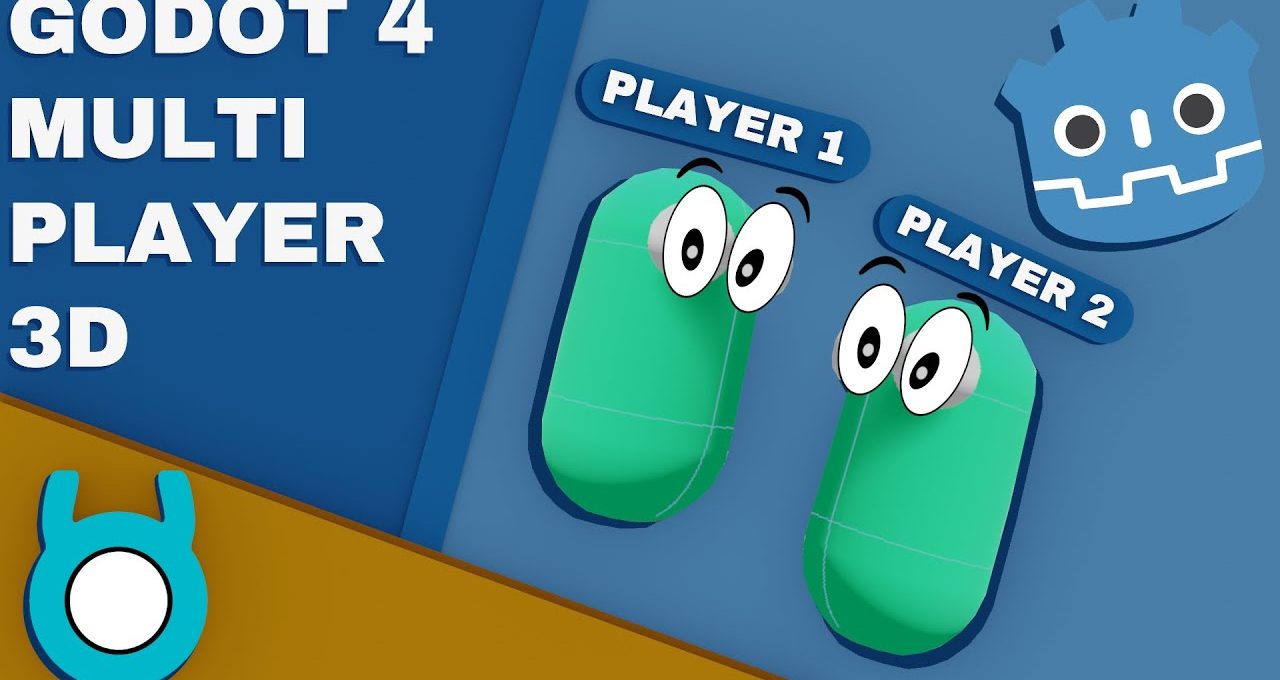
Quick tutorial on how to make a 3D multiplayer game in Godot 4! #godotengine #tutorial #coding #godottutorial #gamedevtips …
Welcome to our comprehensive Godot 4 3D Multiplayer Tutorial! In this video, you’ll learn how to create a fully functional multiplayer game using Godot 4’s powerful 3D features. Whether you’re a beginner or an experienced developer, this tutorial will guide you through the essential steps to set up your multiplayer environment.
Setting Up Your Project
In this section, we walk you through the initial setup of your Godot 4 project. You’ll learn how to configure your project settings for multiplayer functionality and how to prepare your assets for a seamless 3D experience.
Implementing Networking
Discover how to implement efficient networking in your game. We cover key concepts such as server-client architecture, synchronization of player actions, and handling network events to ensure a smooth multiplayer experience.
Creating 3D Environments
Learn how to design immersive 3D environments that enhance gameplay. This section will provide tips on using Godot’s 3D tools to create captivating worlds for players to explore together.
Testing and Debugging
Finally, we discuss how to test your multiplayer game effectively. You’ll gain insights into debugging common issues and optimizing performance for a better player experience.
Join us in this Godot 4 3D Multiplayer Tutorial to elevate your game development skills and create engaging multiplayer experiences!
